What Do the LED Colors on the Yocan FLAT Mean?
Posted: Mon Jun 15, 2026 4:38 am
The Yocan FLAT features three voltage settings, each indicated by a different LED color. These settings allow users to customize their vaping experience based on their cartridge and personal preference.
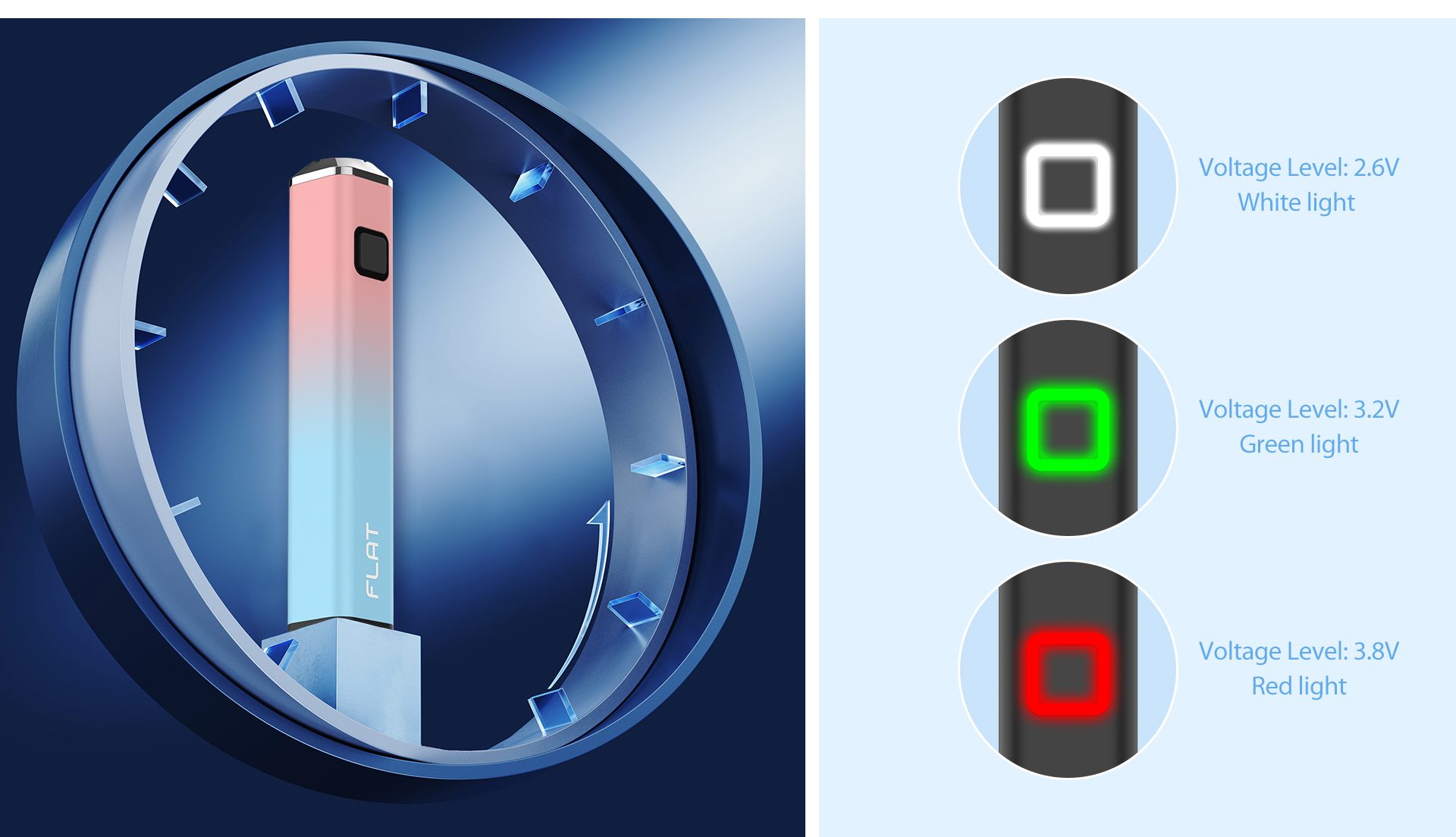
White Light – 2.6V
The lowest voltage setting provides a smooth and flavorful draw. It is ideal for preserving terpene profiles and enjoying the natural taste of your oil.
Green Light – 3.2V
The medium voltage setting offers a balanced experience between flavor and vapor production. This is the recommended setting for most 510-thread cartridges.
Red Light – 3.8V
The highest voltage setting produces thicker vapor and stronger hits. It is suitable for users who prefer more intense vapor production.
How to Change the Voltage
Press the power button three times quickly to cycle through the available voltage levels:
White Light = 2.6V
Green Light = 3.2V
Red Light = 3.8V
Choose the voltage that best matches your cartridge and vaping style for the best performance from your Yocan FLAT.
Need more help? Feel free to leave a comment below or contact the Yocan support team.
White Light – 2.6V
The lowest voltage setting provides a smooth and flavorful draw. It is ideal for preserving terpene profiles and enjoying the natural taste of your oil.
Green Light – 3.2V
The medium voltage setting offers a balanced experience between flavor and vapor production. This is the recommended setting for most 510-thread cartridges.
Red Light – 3.8V
The highest voltage setting produces thicker vapor and stronger hits. It is suitable for users who prefer more intense vapor production.
How to Change the Voltage
Press the power button three times quickly to cycle through the available voltage levels:
White Light = 2.6V
Green Light = 3.2V
Red Light = 3.8V
Choose the voltage that best matches your cartridge and vaping style for the best performance from your Yocan FLAT.
Need more help? Feel free to leave a comment below or contact the Yocan support team.