How to Switch Cartridges and Use Both Vaping Modes on the Yocan Dubb
Posted: Wed Jun 17, 2026 2:09 am
If you're new to the Yocan Dubb, one of the first things you'll want to know is how to switch between cartridges and use its two activation modes. Here's a quick guide to help you get started.
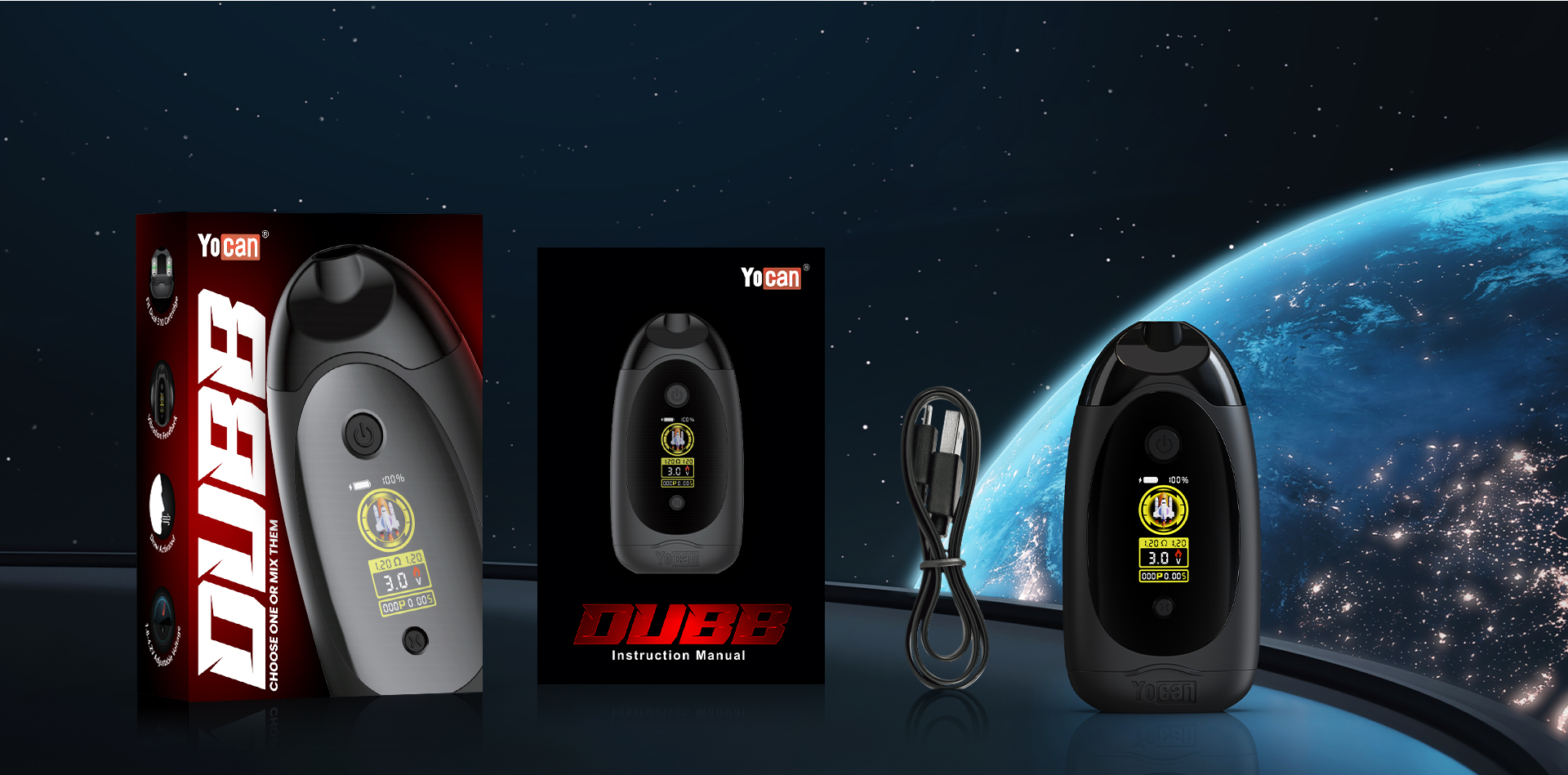
Switching Between Cartridges
The Yocan Dubb features a dual-cartridge design, allowing you to vape from the left cartridge, right cartridge, or both at the same time.
To switch between cartridges:
1. Press the power button 3 times to enter cartridge selection mode.
2. Press the bottom button once to select the left cartridge.
3. Press it again to select the right cartridge.
4. Press it a third time to activate both cartridges simultaneously.
This makes it easy to switch flavors or enjoy a combined experience without swapping cartridges.
Using the Two Activation Modes
The Yocan Dubb offers two ways to vape:
Draw-Activated Mode
Simply inhale through the mouthpiece.
Features a 10-second safety cut-off.
Button-Activated Mode
Press and hold the power button while inhaling.
Features a 15-second safety cut-off.
Both modes are designed to suit different vaping preferences, whether you prefer effortless draw activation or more control with button activation.
Final Thoughts
With its dual-cartridge flexibility and two convenient activation methods, the Yocan Dubb delivers a customizable vaping experience. Whether you're switching between flavors or combining them, getting started is quick and simple.
Have you tried vaping with both cartridges at once? Share your experience below!
Switching Between Cartridges
The Yocan Dubb features a dual-cartridge design, allowing you to vape from the left cartridge, right cartridge, or both at the same time.
To switch between cartridges:
1. Press the power button 3 times to enter cartridge selection mode.
2. Press the bottom button once to select the left cartridge.
3. Press it again to select the right cartridge.
4. Press it a third time to activate both cartridges simultaneously.
This makes it easy to switch flavors or enjoy a combined experience without swapping cartridges.
Using the Two Activation Modes
The Yocan Dubb offers two ways to vape:
Draw-Activated Mode
Simply inhale through the mouthpiece.
Features a 10-second safety cut-off.
Button-Activated Mode
Press and hold the power button while inhaling.
Features a 15-second safety cut-off.
Both modes are designed to suit different vaping preferences, whether you prefer effortless draw activation or more control with button activation.
Final Thoughts
With its dual-cartridge flexibility and two convenient activation methods, the Yocan Dubb delivers a customizable vaping experience. Whether you're switching between flavors or combining them, getting started is quick and simple.
Have you tried vaping with both cartridges at once? Share your experience below!