A Quick Note on Charging Your Yocan Device
Posted: Thu Oct 29, 2026 4:14 am
Hey everyone,
We've been seeing a number of support tickets and community posts about charging issues — devices dying after just a few uses, or not charging at all even when plugged in. We want to address this directly because in most cases, there's a simple fix.
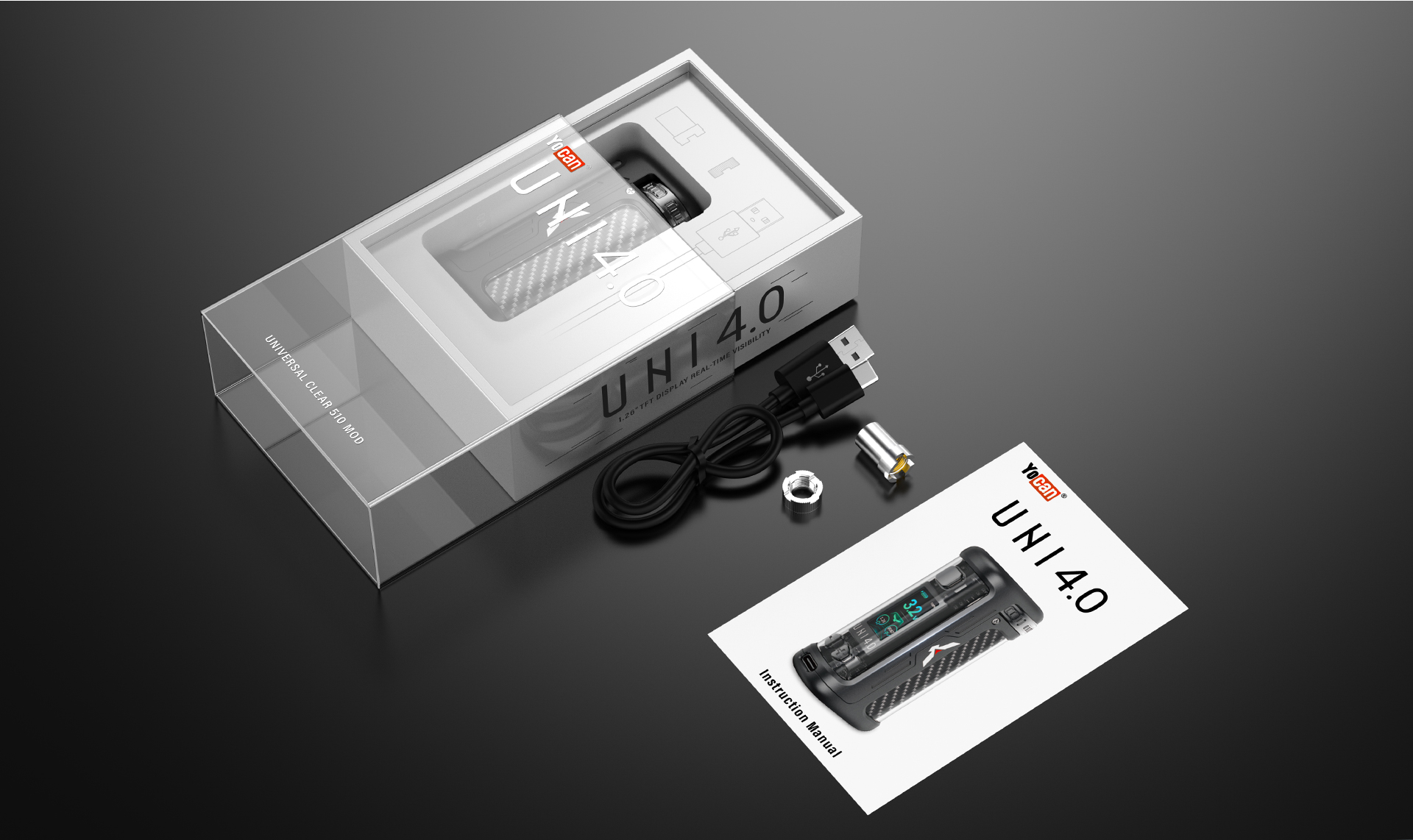
Please use the charging cable that came in the box with your Yocan device — not a third-party fast-charging cable.
We know it's tempting to grab whatever USB-C cable is closest, but fast-charging cables and adapters use different power delivery protocols that aren't always compatible with the battery management system in your device. When the protocols don't match, you can run into exactly the symptoms people are reporting: the device won't charge, charges very slowly, or appears to be charging but never reaches full capacity. Over time, using an incompatible cable can also put unnecessary stress on the battery and shorten its overall lifespan.
A few quick tips if you're having charging trouble:
Thanks for being part of the Yocan community.
— The Yocan Team
We've been seeing a number of support tickets and community posts about charging issues — devices dying after just a few uses, or not charging at all even when plugged in. We want to address this directly because in most cases, there's a simple fix.
Please use the charging cable that came in the box with your Yocan device — not a third-party fast-charging cable.
We know it's tempting to grab whatever USB-C cable is closest, but fast-charging cables and adapters use different power delivery protocols that aren't always compatible with the battery management system in your device. When the protocols don't match, you can run into exactly the symptoms people are reporting: the device won't charge, charges very slowly, or appears to be charging but never reaches full capacity. Over time, using an incompatible cable can also put unnecessary stress on the battery and shorten its overall lifespan.
A few quick tips if you're having charging trouble:
- - Switch back to the original cable that came with your device
- - Use a standard 5V/1A charging block (avoid fast-charge adapters)
- - Check the charging port for lint or debris — a quick clean can make a big difference
Thanks for being part of the Yocan community.
— The Yocan Team