Yocan Kodo Pro “No Cartridge Detected” Error - Solutions
Posted: Wed Nov 12, 2025 2:30 am
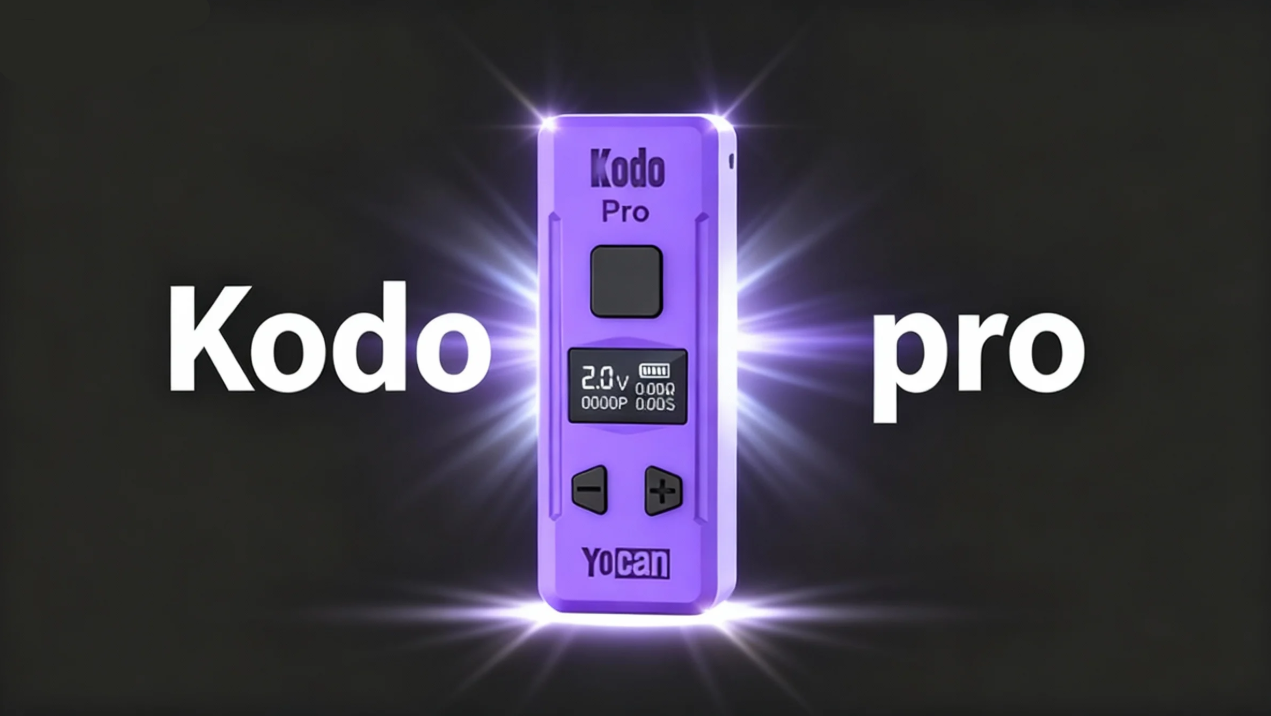
Hello everyone, I've noticed a common issue reported by users regarding the Kodo Pro: the device displays a “no cartridge detected” error during regular use. This is typically caused by a connection problem. Please try the following methods: 
1. Clean the connection points with a cotton bud dipped in alcohol, or replace the cartridge
2. Try pulling the circular component at the base of the pod down slightly, or gently prying it up a bit
3. Attempt loosening or tightening the cartridge several times to see if this resolves the issue. Avoid over-tightening; secure it to a comfortable position
If your Kodo Pro is configured correctly but remains inoperable despite the above methods, please contact us: https://www.yocan.com/
1. Clean the connection points with a cotton bud dipped in alcohol, or replace the cartridge
2. Try pulling the circular component at the base of the pod down slightly, or gently prying it up a bit
3. Attempt loosening or tightening the cartridge several times to see if this resolves the issue. Avoid over-tightening; secure it to a comfortable position
If your Kodo Pro is configured correctly but remains inoperable despite the above methods, please contact us: https://www.yocan.com/