How to Reset the Puff Counter on Yocan Kodo Pro
Posted: Mon Jun 08, 2026 3:45 am
The Yocan Kodo Pro comes with a built-in puff counter that helps users track their vaping habits. Whether you want to monitor daily usage or start fresh after refilling a cartridge, resetting the puff counter is quick and easy.
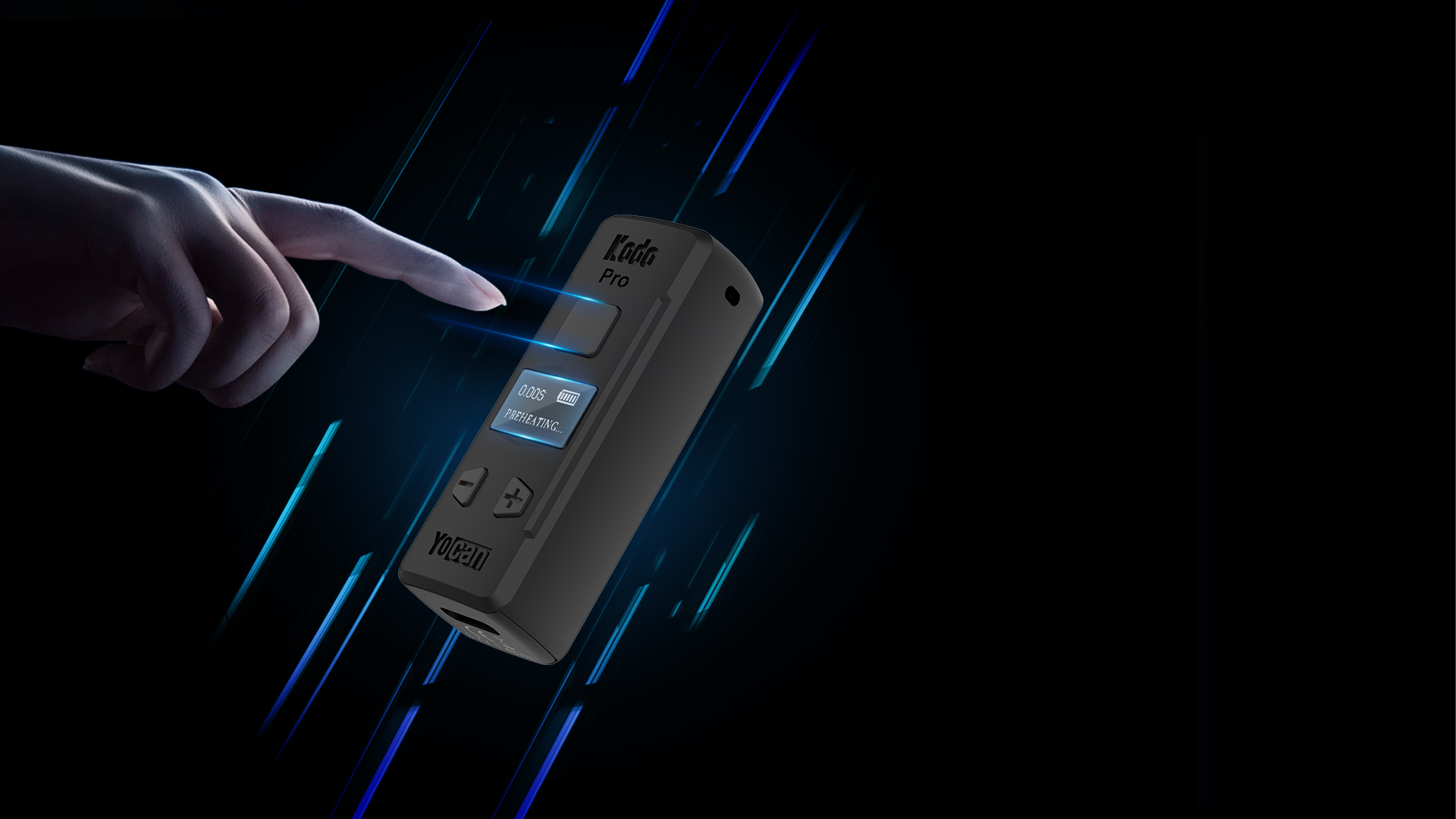
Steps to Reset the Puff Counter
1. Turn on your Yocan Kodo Pro.
2. Press and hold the Power Button and the Left (-) Button simultaneously.
3. The puff counter will reset to 0.
That's it! Your puff count has now been cleared and will begin tracking new puffs from zero.
Why Reset the Puff Counter?
Many users reset the puff counter when:
Need More Help?
If you have additional questions about the Yocan Kodo Pro, feel free to contact our support team or visit the official Yocan website for more product guides and troubleshooting tips.
Discover more innovative vaporizer batteries and accessories at Yocan.com.
Steps to Reset the Puff Counter
1. Turn on your Yocan Kodo Pro.
2. Press and hold the Power Button and the Left (-) Button simultaneously.
3. The puff counter will reset to 0.
That's it! Your puff count has now been cleared and will begin tracking new puffs from zero.
Why Reset the Puff Counter?
Many users reset the puff counter when:
- Installing a new cartridge
- Tracking daily or weekly consumption
- Monitoring device performance
- Keeping a more accurate record of usage
Need More Help?
If you have additional questions about the Yocan Kodo Pro, feel free to contact our support team or visit the official Yocan website for more product guides and troubleshooting tips.
Discover more innovative vaporizer batteries and accessories at Yocan.com.