Yocan Ziva Pro User Guide
Posted: Mon Dec 29, 2025 2:20 am
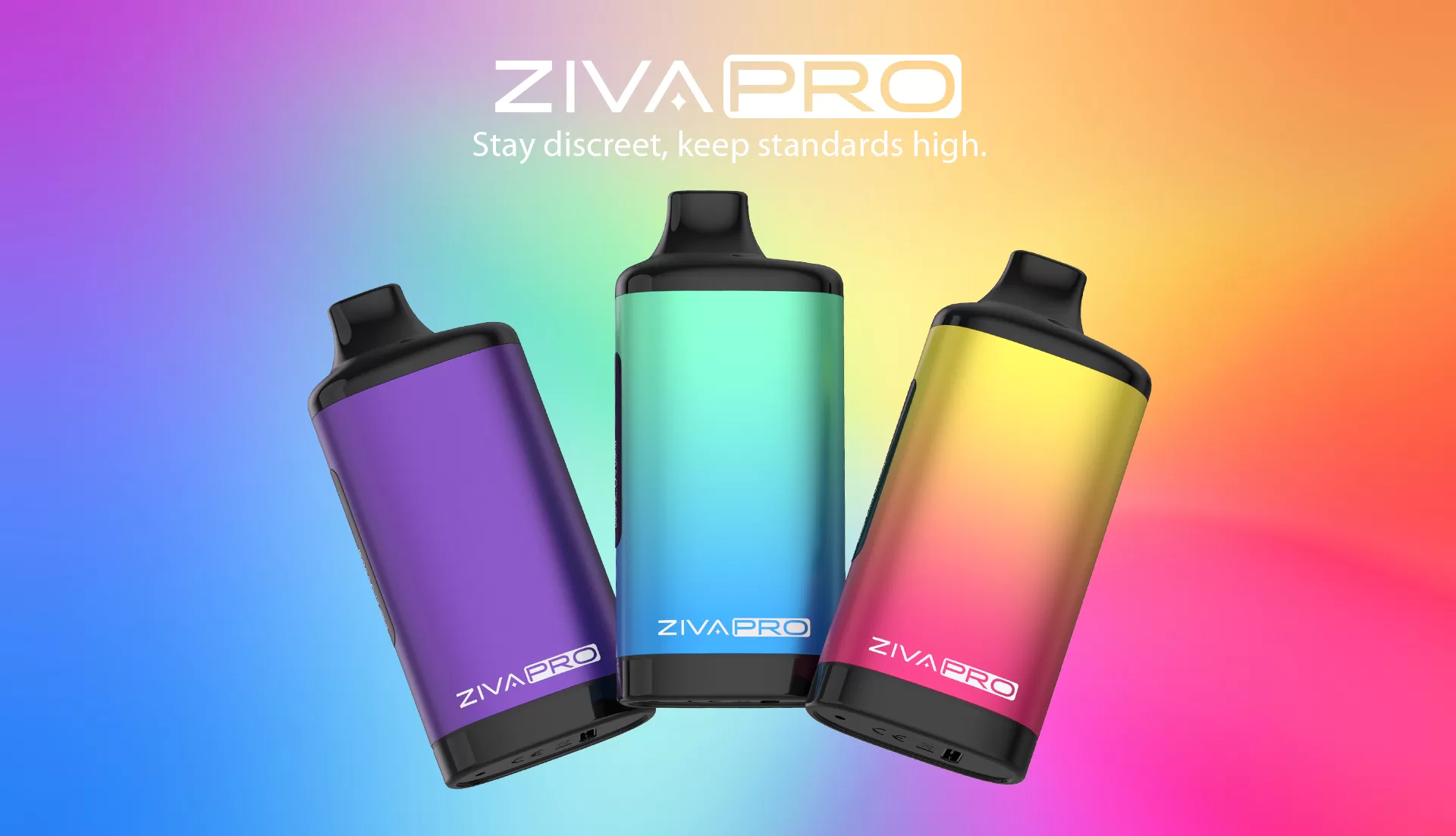
Hello everyone, we've recently received numerous user queries regarding the Yocan Ziva Pro. As a concealed vaporiser, many users appreciate not only its aesthetic appeal but also its design which offers enhanced cartridge protection. This post addresses common issues based on user feedback. We hope it proves helpful.
Issue 1: Why does it not power on after tapping the power button five times?
The Ziva Pro employs a touch-sensitive button, not a click-type button. Gently touch it five times to activate the device; avoid applying excessive force.
Issue 2: ‘No cartridge detected’ error
1. Ensure the cartridge is securely attached to the device—neither overtightened nor loose.
2. Verify the cartridge's resistance is above 0.8Ω.
3. Try replacing the cartridge to resolve the issue.
Question 3: Does it include a charger?
This product does not come with a charger. You may use a Type-C cable and charger to charge it. Avoid using fast-charging adapters.
For further usage instructions and specifications, please consult the Yocan Ziva Pro user manual directly.
Issue 1: Why does it not power on after tapping the power button five times?
The Ziva Pro employs a touch-sensitive button, not a click-type button. Gently touch it five times to activate the device; avoid applying excessive force.
Issue 2: ‘No cartridge detected’ error
1. Ensure the cartridge is securely attached to the device—neither overtightened nor loose.
2. Verify the cartridge's resistance is above 0.8Ω.
3. Try replacing the cartridge to resolve the issue.
Question 3: Does it include a charger?
This product does not come with a charger. You may use a Type-C cable and charger to charge it. Avoid using fast-charging adapters.
For further usage instructions and specifications, please consult the Yocan Ziva Pro user manual directly.