How to Clean Your Yocan Ziva Pro
Posted: Wed Apr 01, 2026 11:06 pm
Hey everyone,
We’ve noticed some users asking about how to properly clean the Yocan Ziva Pro to keep it running smoothly. If you’ve been using your device regularly, a bit of simple maintenance can go a long way in keeping the flavor clean and preventing clogs.
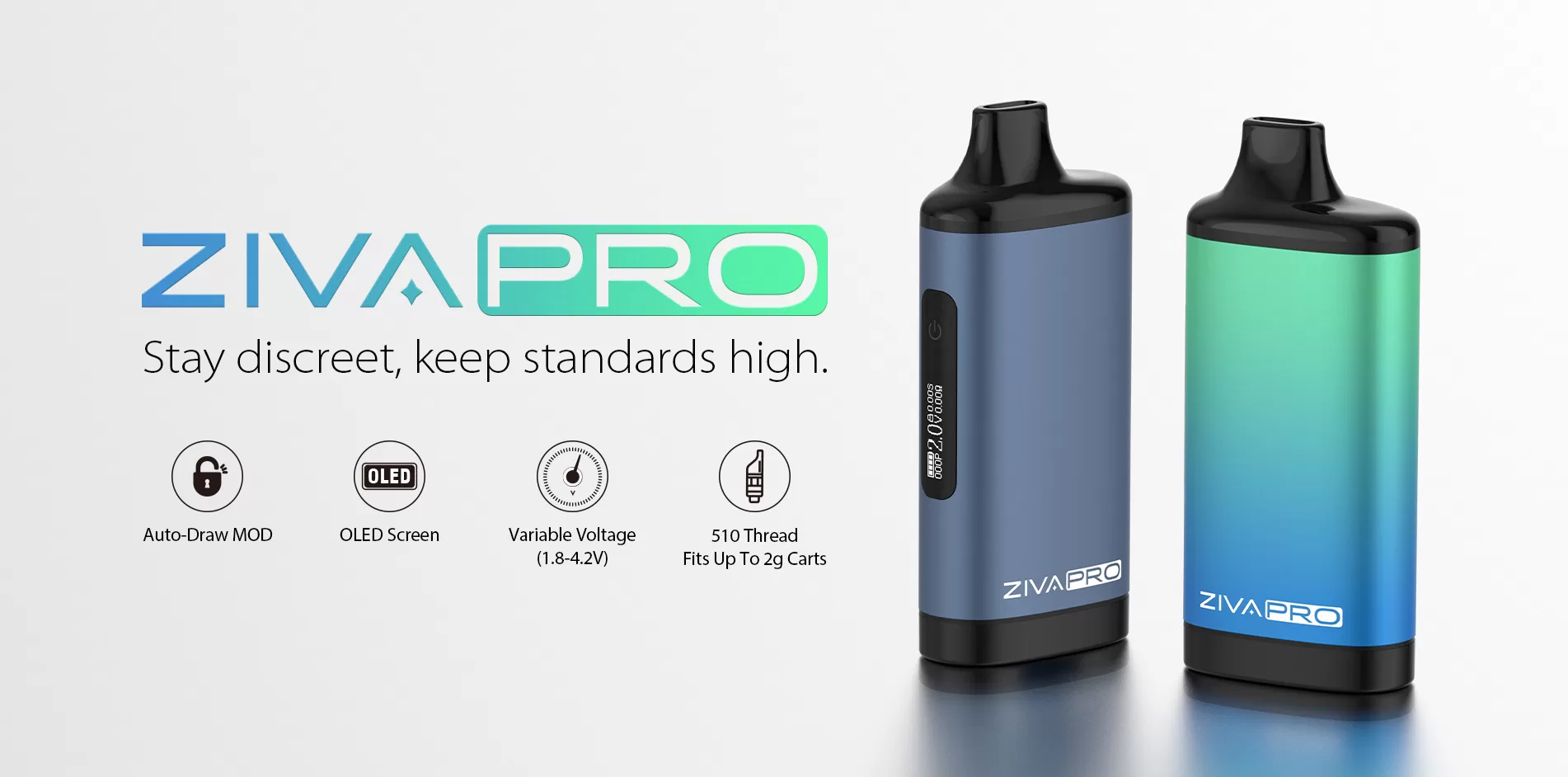
Here’s a quick and easy way to clean your device:
First, make sure to power off your Yocan Ziva Pro before cleaning. This helps avoid any accidental activation and keeps things safe.
Next, take a cotton swab and lightly dip it in a small amount of isopropyl alcohol. Gently wipe around the connection points and the metal contact areas. You don’t need to soak it — just a light clean is enough to remove residue and buildup.
You can also wipe down the exterior of the device to keep it looking fresh. Just make sure not to let any liquid get inside the device.
After cleaning, let everything dry completely before reassembling and using it again. This step is important to ensure proper performance.
For best results, we recommend doing a quick clean regularly, especially if you use your device often. Keeping the connections clean and dry helps prevent clogging and ensures a consistent experience.
If you have any other questions or tips of your own, feel free to share them below — always happy to help!
For more products, please visit: Yocan
We’ve noticed some users asking about how to properly clean the Yocan Ziva Pro to keep it running smoothly. If you’ve been using your device regularly, a bit of simple maintenance can go a long way in keeping the flavor clean and preventing clogs.
Here’s a quick and easy way to clean your device:
First, make sure to power off your Yocan Ziva Pro before cleaning. This helps avoid any accidental activation and keeps things safe.
Next, take a cotton swab and lightly dip it in a small amount of isopropyl alcohol. Gently wipe around the connection points and the metal contact areas. You don’t need to soak it — just a light clean is enough to remove residue and buildup.
You can also wipe down the exterior of the device to keep it looking fresh. Just make sure not to let any liquid get inside the device.
After cleaning, let everything dry completely before reassembling and using it again. This step is important to ensure proper performance.
For best results, we recommend doing a quick clean regularly, especially if you use your device often. Keeping the connections clean and dry helps prevent clogging and ensures a consistent experience.
If you have any other questions or tips of your own, feel free to share them below — always happy to help!
For more products, please visit: Yocan