Yocan Ziva Pro Not Turning On? Quick Fix
Posted: Wed Apr 15, 2026 5:14 am
Hello everyone, we’ve received feedback from customers that their Yocan Ziva Pro batteries won’t turn on upon receipt. This post provides a quick guide to help.
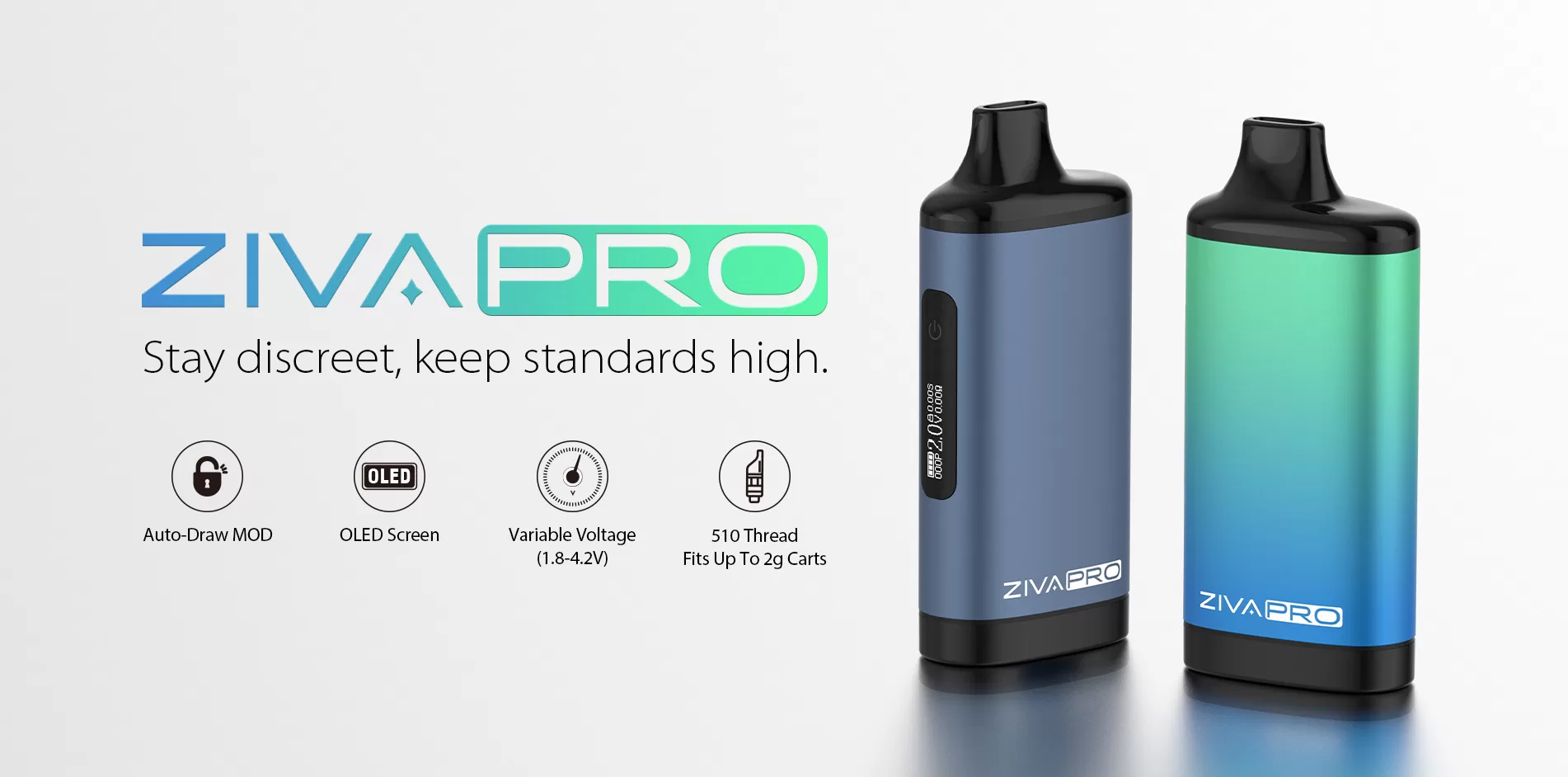
Device won’t turn on?
In most cases, this is due to the device being locked. Please follow these steps:
You can also check the following:
Try more products: Yocan
Device won’t turn on?
In most cases, this is due to the device being locked. Please follow these steps:
- Press the power button 5 times quickly to turn on the device
- Then press the button 4 times quickly within 2 seconds to unlock it
You can also check the following:
- Make sure the cartridge is properly connected
- Try reinstalling the cartridge
Try more products: Yocan