How to Use the Preheat Function on the Yocan Ziva Pro
Posted: Mon Jul 20, 2026 10:29 pm
If you're new to the Yocan Ziva Pro, you may wonder whether you should wait for the preheat countdown to finish before taking a draw.
The answer is yes.
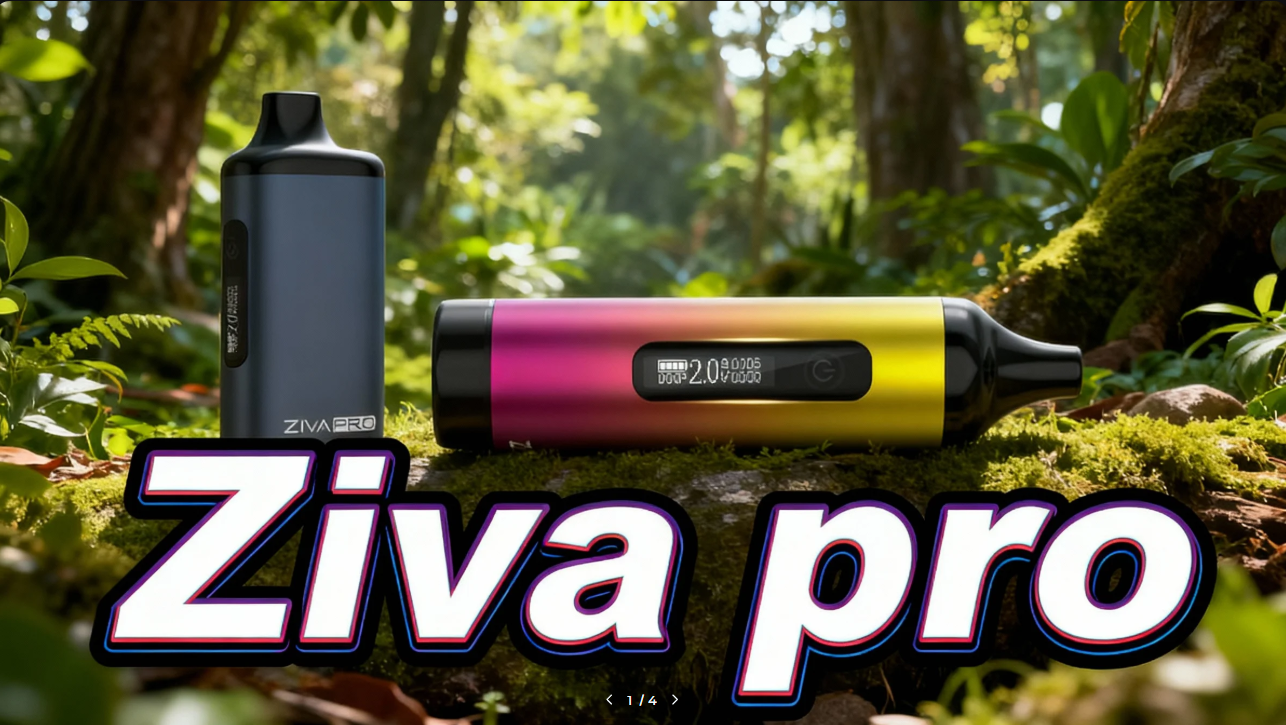
When you activate the preheat function, the screen will display a 10-second countdown. It's recommended to let the countdown finish before inhaling. This gives the oil enough time to warm up, helping it flow more smoothly and produce better vapor.
If you stop the preheat early, the oil may not be fully warmed, especially if you're using a thicker concentrate or vaping in a colder environment.
Quick Tips:
See more products at Yocan.
The answer is yes.
When you activate the preheat function, the screen will display a 10-second countdown. It's recommended to let the countdown finish before inhaling. This gives the oil enough time to warm up, helping it flow more smoothly and produce better vapor.
If you stop the preheat early, the oil may not be fully warmed, especially if you're using a thicker concentrate or vaping in a colder environment.
Quick Tips:
- Wait for the full 10-second countdown before taking a draw.
- Use preheat when your oil is thick or the cartridge has been sitting for a while.
- If you don't need it, you can vape normally without using preheat.
See more products at Yocan.