Yocan Hit2 FAQ (Temperature Units & Dab Usage)
Posted: Thu Apr 09, 2026 2:38 am
Hello everyone! We’ve recently received some user feedback regarding the Yocan Hit2. We’ve compiled the two most common questions and provided detailed answers to help you get the most out of your device.
1. How do I switch the temperature units from Fahrenheit (°F) to Celsius (°C)?
Some users have reported uncertainty about whether the device displays temperatures in Fahrenheit or Celsius, or have requested the ability to switch units. The latest production models of the Hit2 support temperature unit switching. Here’s how to do it:
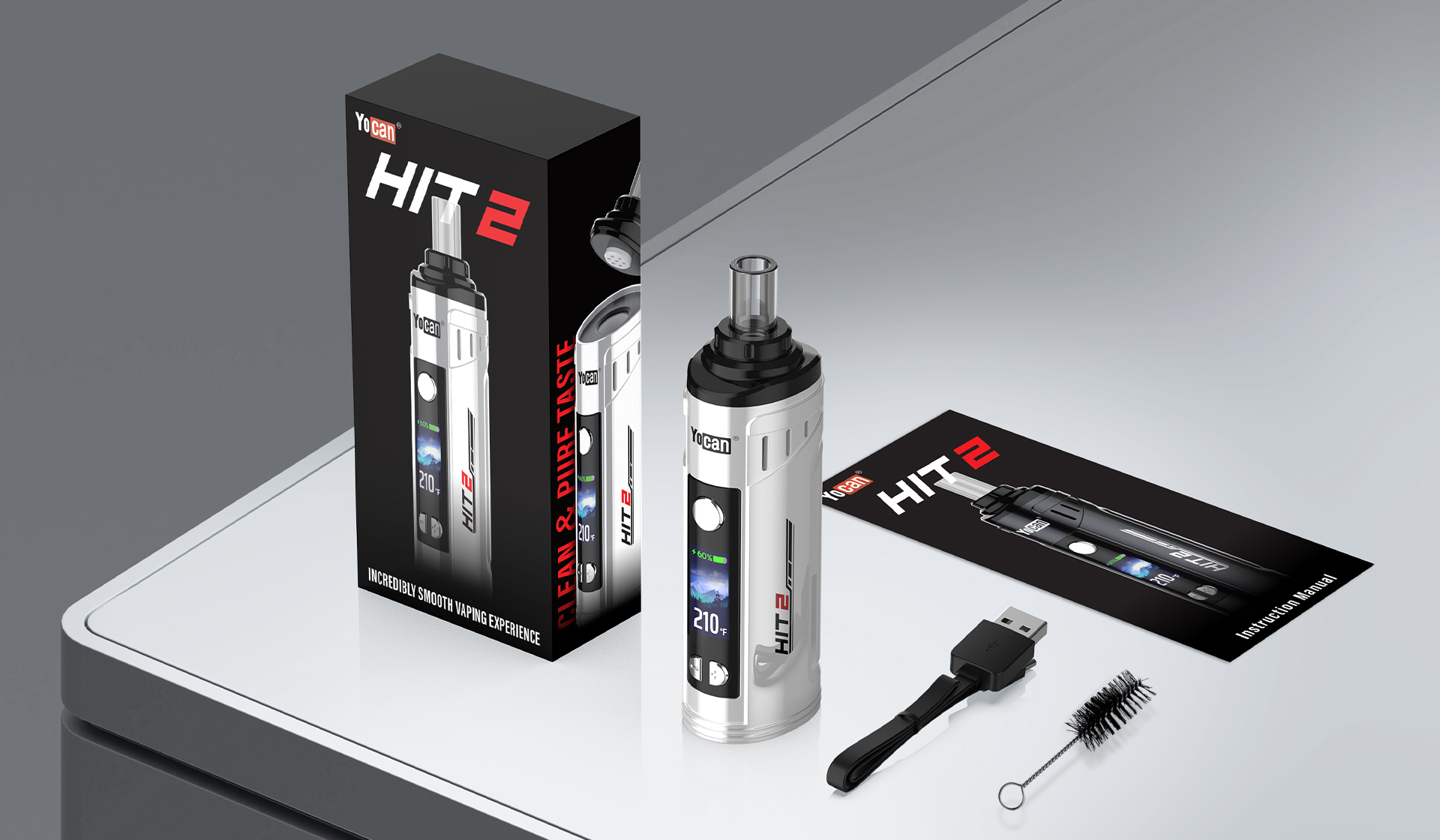
Steps:
Ensure the device is turned off.
Press and hold the Power button and the “+” button simultaneously (do not release).
The screen will flash to indicate the unit has been successfully switched, allowing you to switch from Fahrenheit to Celsius or vice versa.
Notes:
Not all Hit2 units support the unit switching feature; we recommend first confirming your device model and production date.
If there is no response after attempting the operation, ensure you hold the buttons down long enough (approximately 3 seconds) and check if your device is running the latest firmware version.
2. Can the Hit2 be used for dab?
Many users want to know if the Hit2 is suitable for dab. The Hit2 is primarily designed for dry herbs and does not support concentrates.
Reason:
The Hit2’s heating chamber and heating mechanism are optimized for dry herbs; its temperature control and airflow are not suitable for concentrates.
Attempting to use concentrates may result in uneven heating, device damage, or poor flavor.
Recommendation:
If you primarily use concentrates, we recommend choosing other Yocan devices that support concentrates, such as the Yocan Black Pocket or Yocan Ziva 2.0, for a safer and more stable experience.
We hope this guide helps clear up any confusion and makes your experience with the Hit2 smoother!
For more product information and usage tips, please visit: Yocan
1. How do I switch the temperature units from Fahrenheit (°F) to Celsius (°C)?
Some users have reported uncertainty about whether the device displays temperatures in Fahrenheit or Celsius, or have requested the ability to switch units. The latest production models of the Hit2 support temperature unit switching. Here’s how to do it:
Steps:
Ensure the device is turned off.
Press and hold the Power button and the “+” button simultaneously (do not release).
The screen will flash to indicate the unit has been successfully switched, allowing you to switch from Fahrenheit to Celsius or vice versa.
Notes:
Not all Hit2 units support the unit switching feature; we recommend first confirming your device model and production date.
If there is no response after attempting the operation, ensure you hold the buttons down long enough (approximately 3 seconds) and check if your device is running the latest firmware version.
2. Can the Hit2 be used for dab?
Many users want to know if the Hit2 is suitable for dab. The Hit2 is primarily designed for dry herbs and does not support concentrates.
Reason:
The Hit2’s heating chamber and heating mechanism are optimized for dry herbs; its temperature control and airflow are not suitable for concentrates.
Attempting to use concentrates may result in uneven heating, device damage, or poor flavor.
Recommendation:
If you primarily use concentrates, we recommend choosing other Yocan devices that support concentrates, such as the Yocan Black Pocket or Yocan Ziva 2.0, for a safer and more stable experience.
We hope this guide helps clear up any confusion and makes your experience with the Hit2 smoother!
For more product information and usage tips, please visit: Yocan