Yocan Uni 3.0 Showing “Short Circuit”? Quick Fixes to Try
Posted: Wed Apr 22, 2026 2:30 am
Hey everyone
A small number of users have reported seeing a “short circuit” message on the Yocan Uni 3.0—even when the battery is fully charged—preventing the device from firing. This isn’t a common issue, but it’s usually related to how the cartridge is connected.
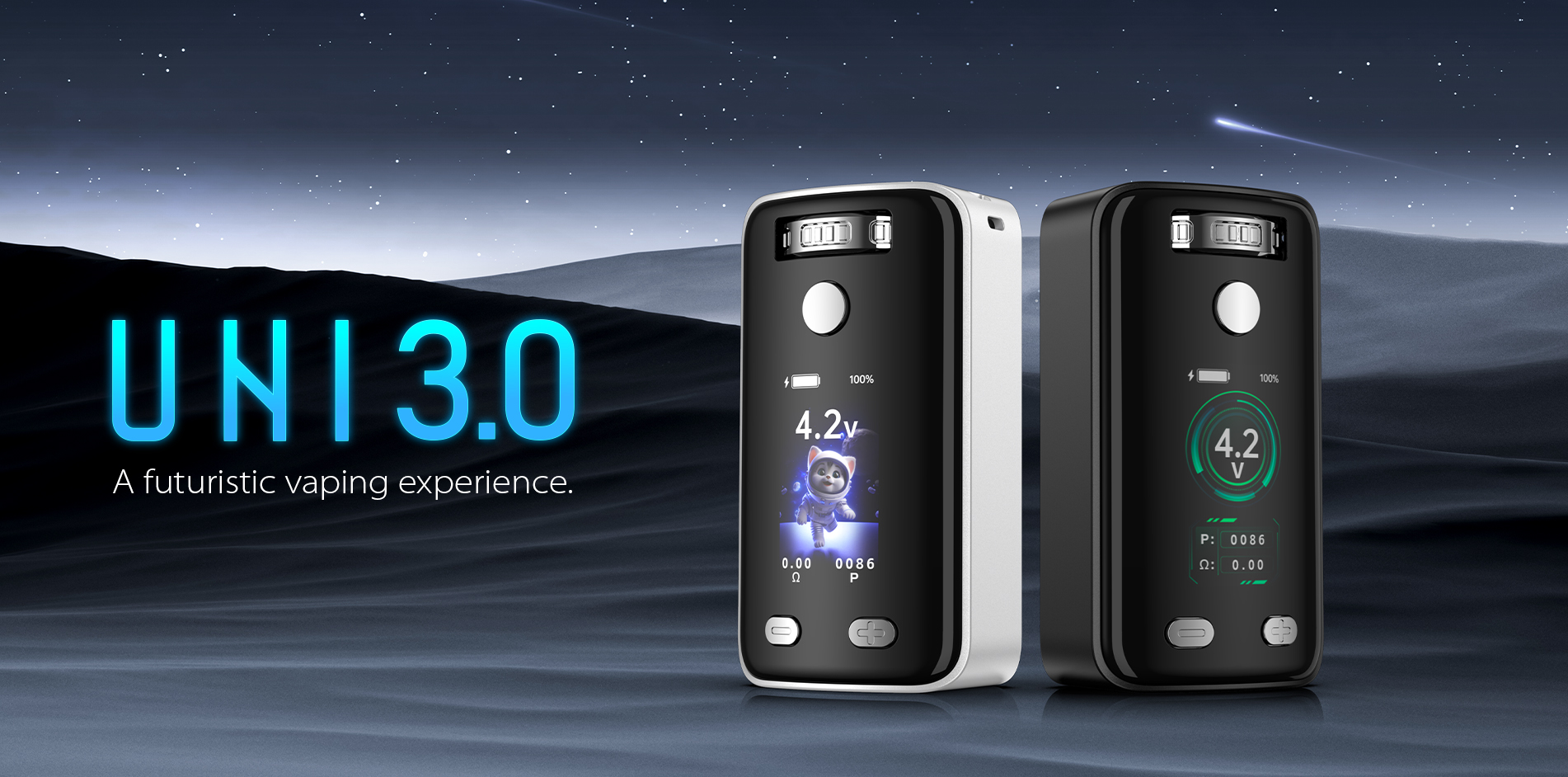
Here are a few quick things to check:
1. Check your cartridge connection
Make sure your cartridge is properly seated in the magnetic adapter. Don’t overtighten it, but also avoid leaving it too loose—either can cause connection issues.
2. Take a look at the magnetic adapter
Inspect the adapter and contact points. Any residue, oil, or slight misalignment can interfere with a solid connection.
3. Try another cartridge
If possible, swap in a different cartridge. This helps rule out whether the issue is coming from the cart itself.
In most cases, these simple steps will solve the problem. If the issue persists, please contact Yocan customer service.
More products are available at: Yocan
A small number of users have reported seeing a “short circuit” message on the Yocan Uni 3.0—even when the battery is fully charged—preventing the device from firing. This isn’t a common issue, but it’s usually related to how the cartridge is connected.
Here are a few quick things to check:
1. Check your cartridge connection
Make sure your cartridge is properly seated in the magnetic adapter. Don’t overtighten it, but also avoid leaving it too loose—either can cause connection issues.
2. Take a look at the magnetic adapter
Inspect the adapter and contact points. Any residue, oil, or slight misalignment can interfere with a solid connection.
3. Try another cartridge
If possible, swap in a different cartridge. This helps rule out whether the issue is coming from the cart itself.
In most cases, these simple steps will solve the problem. If the issue persists, please contact Yocan customer service.
More products are available at: Yocan