How Do You Reset the Puff Counter on a Yocan Ziva 2.0?
Posted: Mon May 25, 2026 3:29 am
If you want to reset the puff counter on your Yocan Ziva 2.0, the process is quick and simple.
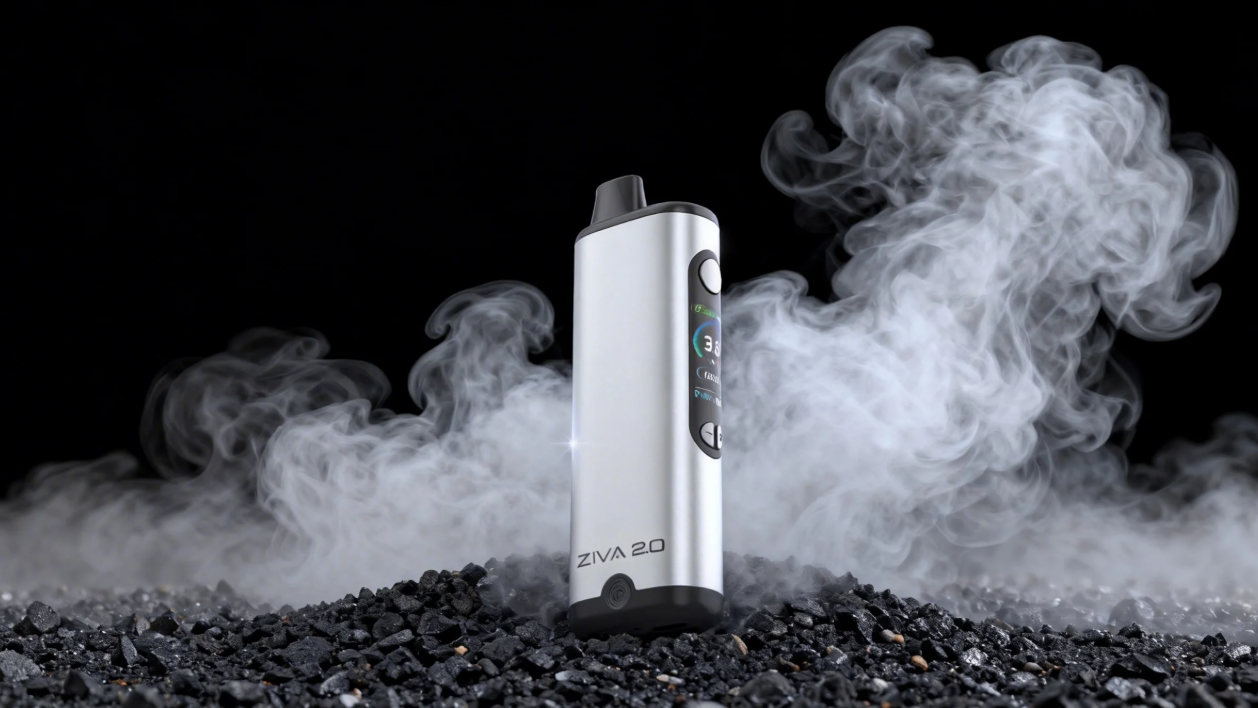
To reset the puff counter:
If the counter does not reset properly, try restarting the device or checking whether your battery is fully charged.
For more Yocan product guides, troubleshooting tips, and updates, visit Yocan.
To reset the puff counter:
- Make sure the device is powered on
- Press the power button according to the device shortcut settings
- The puff counter will return to zero after the reset is completed
If the counter does not reset properly, try restarting the device or checking whether your battery is fully charged.
For more Yocan product guides, troubleshooting tips, and updates, visit Yocan.