Common Issues & Fixes for Your Yocan Uni 4.0 Device
Posted: Mon Oct 19, 2026 10:45 pm
Hey everyone,
We know that sometimes you might run into minor hiccups while using your Yocan Uni 4.0. To help you get back to vaping as quickly as possible, we’ve put together a quick troubleshooting guide for the most common issues our customers face.
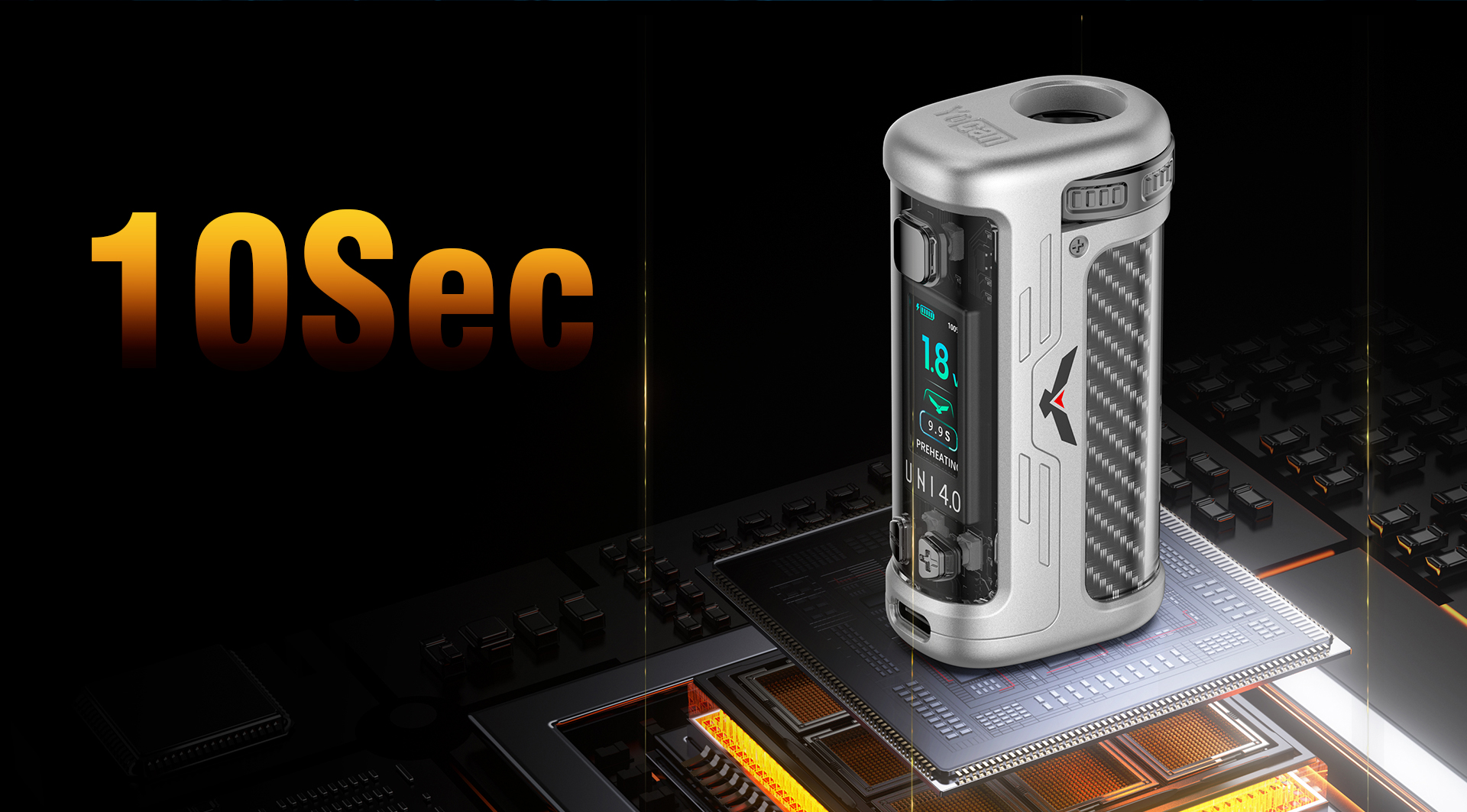
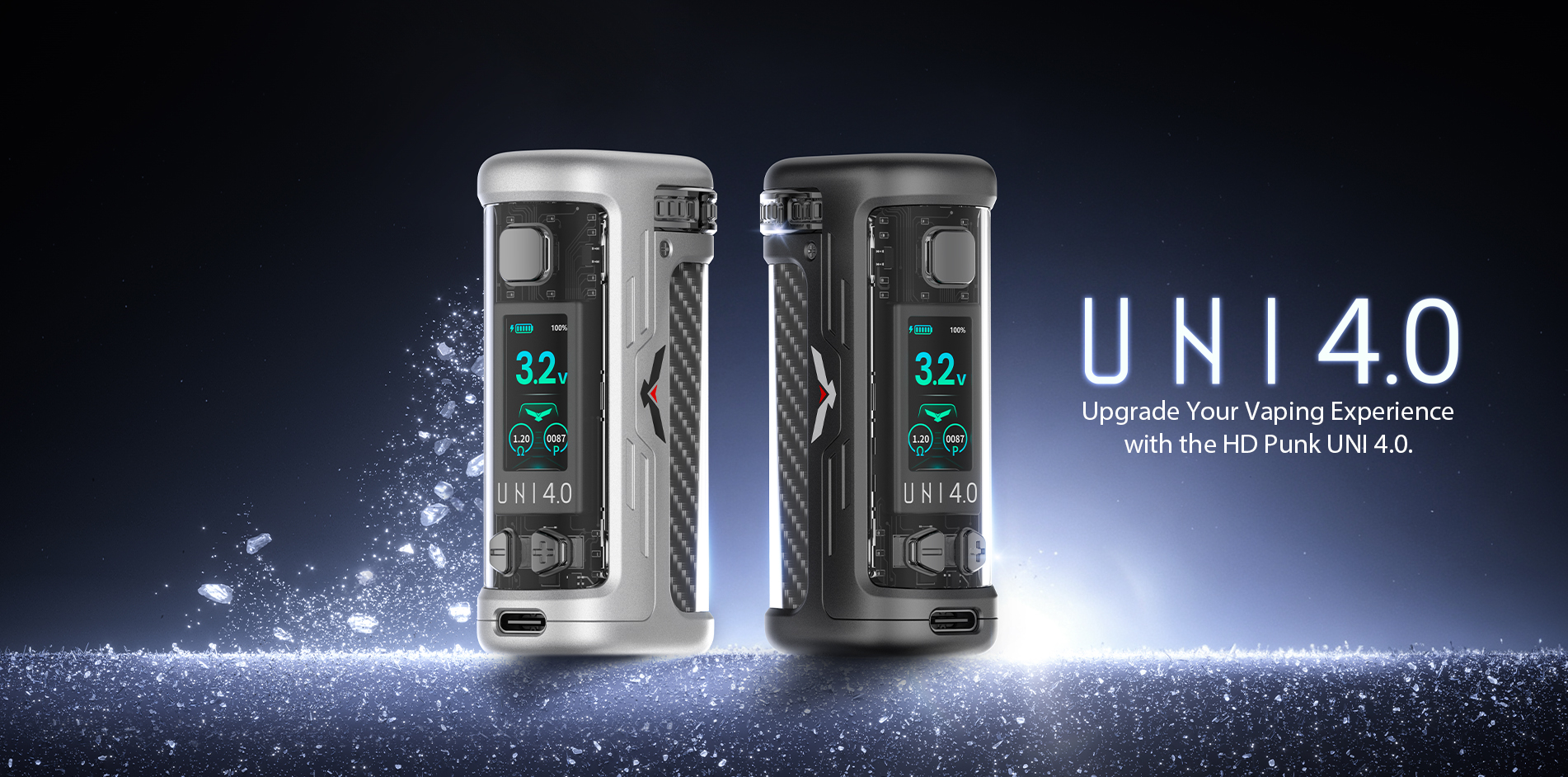
Check out the solutions below:
1. "No Atomizer" Error
The Fix: This is usually a connection issue. First, try cleaning the connection points. If that doesn't work, try swapping out the cartridge (cart) with a new one.
2. Device Cuts Off Mid-Draw
The Fix: Don't worry, this is a built-in safety feature! The device has a 15-second auto-shutoff timeout protection. Simply release the button and press it again to continue your session.
3. No Vapor Production or Very Little Vapor
The Fix: Make sure your device is fully charged and not running low on battery. If the battery is fine, the issue might be with the oil. Try using the preheat function. Alternatively, you can try turning up the voltage slightly.
4. Wobbly or Loose Cartridge
The Fix: If your cart feels loose, try re-adjusting the height of the connection pin. Twist the adjustment knob until it feels tight. If it’s still wobbly, we recommend trying a cartridge with a different length.
If you've tried these steps and are still experiencing issues, don't hesitate to drop a comment below or reach out to our customer support team. We're always here to help!
Happy vaping!
We know that sometimes you might run into minor hiccups while using your Yocan Uni 4.0. To help you get back to vaping as quickly as possible, we’ve put together a quick troubleshooting guide for the most common issues our customers face.
Check out the solutions below:
1. "No Atomizer" Error
The Fix: This is usually a connection issue. First, try cleaning the connection points. If that doesn't work, try swapping out the cartridge (cart) with a new one.
2. Device Cuts Off Mid-Draw
The Fix: Don't worry, this is a built-in safety feature! The device has a 15-second auto-shutoff timeout protection. Simply release the button and press it again to continue your session.
3. No Vapor Production or Very Little Vapor
The Fix: Make sure your device is fully charged and not running low on battery. If the battery is fine, the issue might be with the oil. Try using the preheat function. Alternatively, you can try turning up the voltage slightly.
4. Wobbly or Loose Cartridge
The Fix: If your cart feels loose, try re-adjusting the height of the connection pin. Twist the adjustment knob until it feels tight. If it’s still wobbly, we recommend trying a cartridge with a different length.
If you've tried these steps and are still experiencing issues, don't hesitate to drop a comment below or reach out to our customer support team. We're always here to help!
Happy vaping!